









Type what your video is about and get ready-to-use YouTube titles in a second. Pick the ones you like, copy them, or download them as a CSV.
YouTube Video Title Generator
Click-worthy titles under 100 characters for any video topic.
Free tool by Digital Pritam. No sign-up, nothing stored.
- Free, no sign-up
- Works on phone and computer
- Built by Digital Pritam
How to use the title generator
- Describe the video in a few words. “WordPress speed for beginners” gives better titles than just “WordPress”.
- Choose 5, 10 or 15 titles and click Generate titles.
- Tap the titles you like. All are selected at first; tap again to drop one.
- Copy selected or Download CSV. Click More titles for a fresh set.
What kind of titles you get
Each set mixes title formats that viewers already click on, with your topic placed near the start:
- How-to and tutorial: a clear promise of what the viewer will learn.
- Mistakes and myths: titles that answer a worry the viewer already has.
- Results and experience: “my honest results after 30 days” style titles.
- Comparison: your topic against the alternatives.
- Lists and checklists: a number up front sets clear expectations.
Treat them as a starting point. Edit each title so it matches exactly what the video delivers.
Tips for a title that gets the click
- Put the main keyword first. The start of a title is what shows in search and on small phone screens.
- Promise only what the video delivers. A title that oversells loses viewers in the first seconds.
- Make the title and thumbnail work together. They should add to each other, not repeat the same words.
- Stay well under the limit. YouTube allows 100 characters, but shorter titles are easier to read at a glance.
- Use the same words your viewers search. Check YouTube’s search suggestions for your topic before you publish.
Frequently Asked Questions
Is the YouTube title generator free?
Yes. It is free, needs no sign-up, and works in any browser on a phone or computer.
Does it work for YouTube Shorts?
Yes. The titles work for Shorts and long videos. For Shorts, pick the shortest options so the full title shows on the vertical player.
How long can a YouTube title be?
YouTube allows up to 100 characters. Every title this tool gives you stays under that limit for normal topics.
Which language are the titles in?
The titles are in English. You can type your topic in any language and it appears in the titles as you typed it.
Can I save the titles?
Click Download CSV to save them as a spreadsheet file, or Copy selected to paste them anywhere.
More free tools
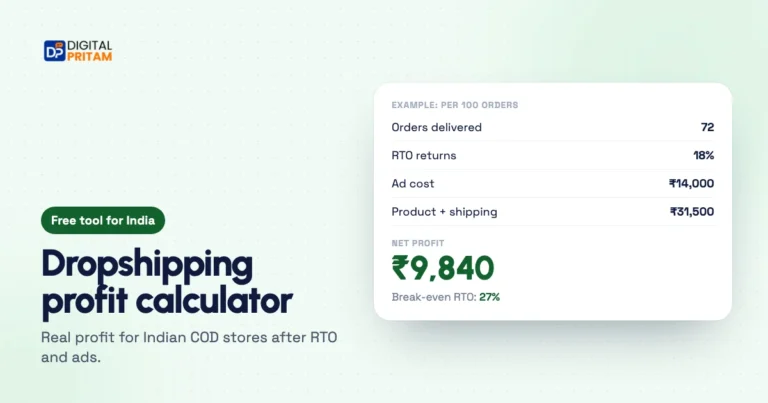 Dropshipping profit calculatorReal profit for Indian COD stores after cancellations, RTO and ad cost, with your break-even RTO.Work out profit
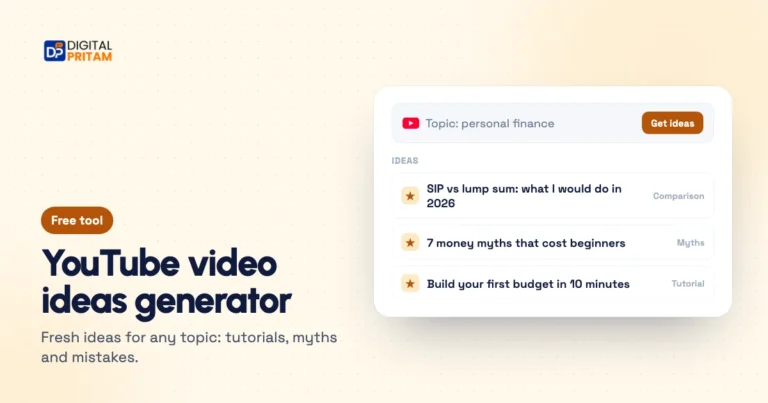 YouTube video ideas generatorFresh video ideas for a topic: tutorials, comparisons, myths and beginner mistakes.Get ideas
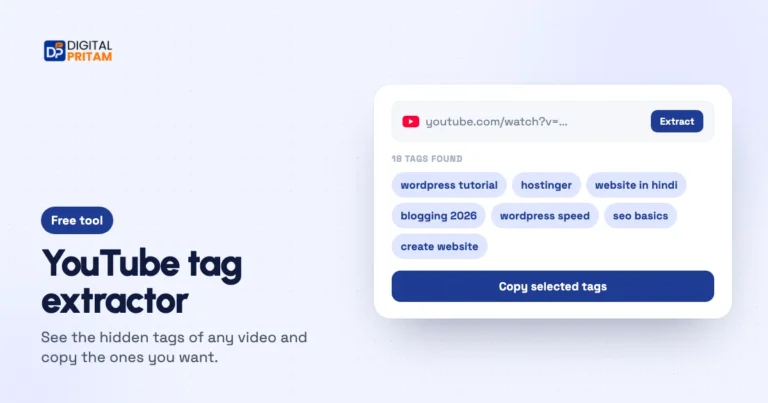 YouTube tag extractorSee the hidden tags of any video, pick the ones you want and copy them.Extract tags