









Paste a YouTube link to see the tags the creator added to that video. Pick the ones that fit your own video and copy them in one click.
YouTube Tags Extractor
See the hidden tags of any video, pick the ones you want and copy them.
Free tool by Digital Pritam. No sign-up, nothing stored.
- Free, no sign-up
- Works on phone and computer
- Built by Digital Pritam
How to use the tag extractor
- Copy the video link from YouTube. Normal videos, Shorts, live streams and youtu.be links all work.
- Paste it in the box and click Extract tags.
- See every tag with the video title, channel and thumbnail, so you know you have the right video.
- Tap tags to pick them, then click Copy selected. The counter shows how many characters you have used.
Do YouTube tags still matter?
Less than most people think. YouTube’s own help page says the title, thumbnail and description matter more, and that tags “play a minimal role” in discovery. Tags help most when your topic is often misspelled (YouTube Help). So use this tool to learn which words top videos in your niche target, then put those words in your title and description, where they count.
How to use competitor tags well
- Look for patterns across three or four top videos, not just one.
- Keep only tags that describe your video. Stuffing unrelated words into tags can break YouTube’s spam and misleading-metadata rules.
- Add common misspellings of your main topic, which is where tags help most.
- Stay inside the 500-character limit. YouTube Studio caps the tags field, and the counter here warns you before you go over.
Frequently Asked Questions
Is the YouTube tag extractor free?
Yes. It is free and needs no sign-up. To keep it fast for everyone, each visitor can run up to 30 lookups an hour.
How can I see the tags on a YouTube video?
YouTube hides tags in its app and on the video page. Paste the video link into this tag extractor to view them all, or open the page source in a desktop browser and search for keywords. The tool is faster and lets you copy every tag in one click.
Why does a video show no tags?
Many creators add no tags at all, and private or removed videos cannot be read. Try another popular video on the same topic.
Will copying a competitor’s tags help my video rank?
Not on its own. Tags play a small role. A clear title, a strong thumbnail and a video people watch to the end matter far more.
How many tags should I use?
Use a handful that truly describe the video, plus common misspellings. Quality matters more than filling all 500 characters.
Does it work on phones?
Yes. Paste the link from the YouTube app’s Share button and the tool works the same way.
More free tools
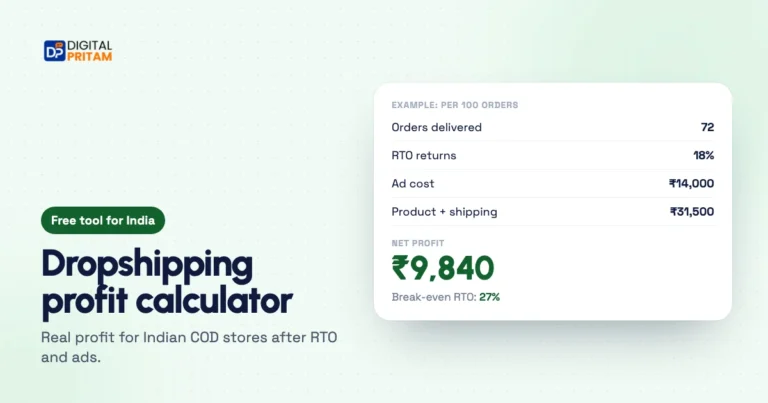 Dropshipping profit calculatorReal profit for Indian COD stores after cancellations, RTO and ad cost, with your break-even RTO.Work out profit
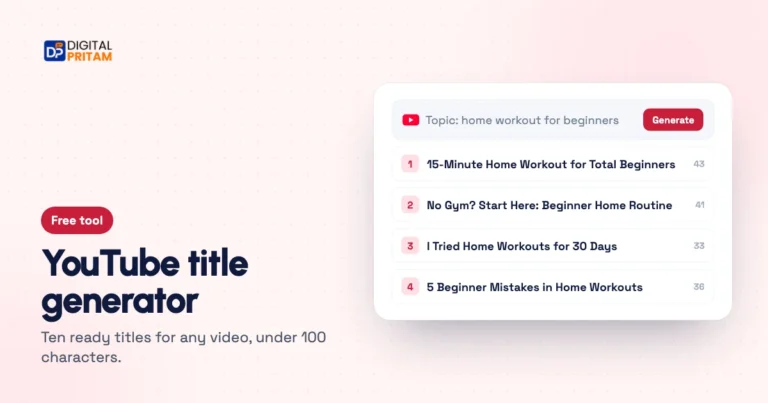 YouTube title generatorTen ready title options for any video topic, each under YouTube's 100-character limit.Generate titles
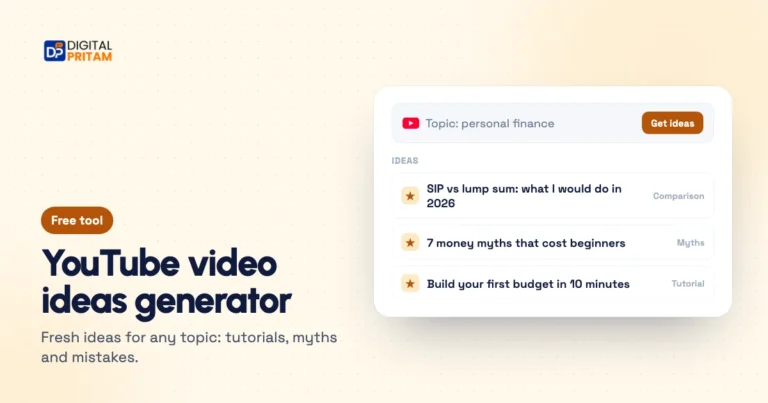 YouTube video ideas generatorFresh video ideas for a topic: tutorials, comparisons, myths and beginner mistakes.Get ideas