









Tutor LMS Review 2026: We Built a Course With the Free Version
A real course on our lab site: what the free version does, what it adds to your site, and when Pro is worth it.
 By Pritam SononeTested 17 Oct 2026Reviewed by Pritam SononePrices re-checked regularly against the brand’s own website.How we test →
Affiliate links: we may earn a commission at no extra cost to you. It never changes our verdicts.
Tutor LMS free is good enough to launch a course: we built one with topics, lessons and a quiz in minutes. Course pages are heavy (334.6 KB, 25 files) yet scored 97 on mobile, and the rest of the site stays light. Buy Pro ($199 a year) only when you need assignments, interactive quizzes or the content bank.

What is it?Tutor LMS is a WordPress learning management system plugin for creating, selling and delivering online courses.
Pros
- We built a course with topics, lessons and a quiz in minutes
- Course page still scored 97 on mobile
- The rest of the site stays light
Cons
- Course pages are heavy: 334.6 KB in 25 files
- Assignments and interactive quizzes need Pro ($199 a year)
- The content bank is a Pro feature
What we built
On our lab site (digitalpritam.in/lab/, WordPress 7.1.3, Twenty Twenty-Five, Hostinger) on 17 Oct 2026.
Installed Tutor LMS 4.1.3 free
It added 20 database tables and created 5 pages, including Cart and Checkout.
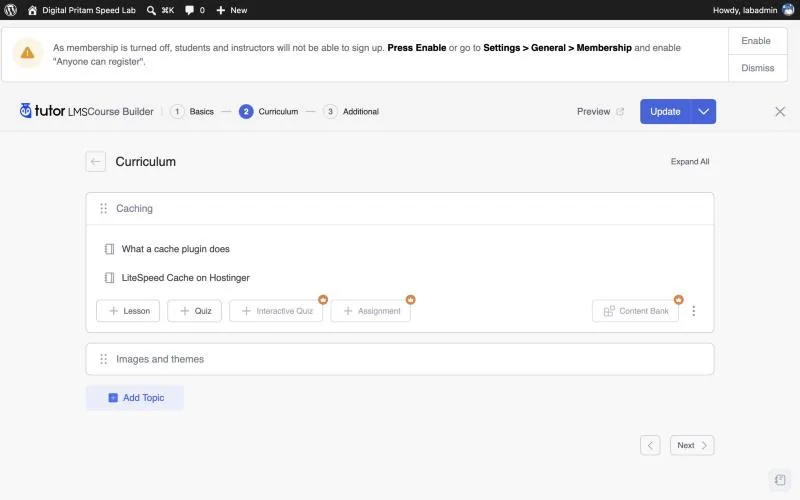
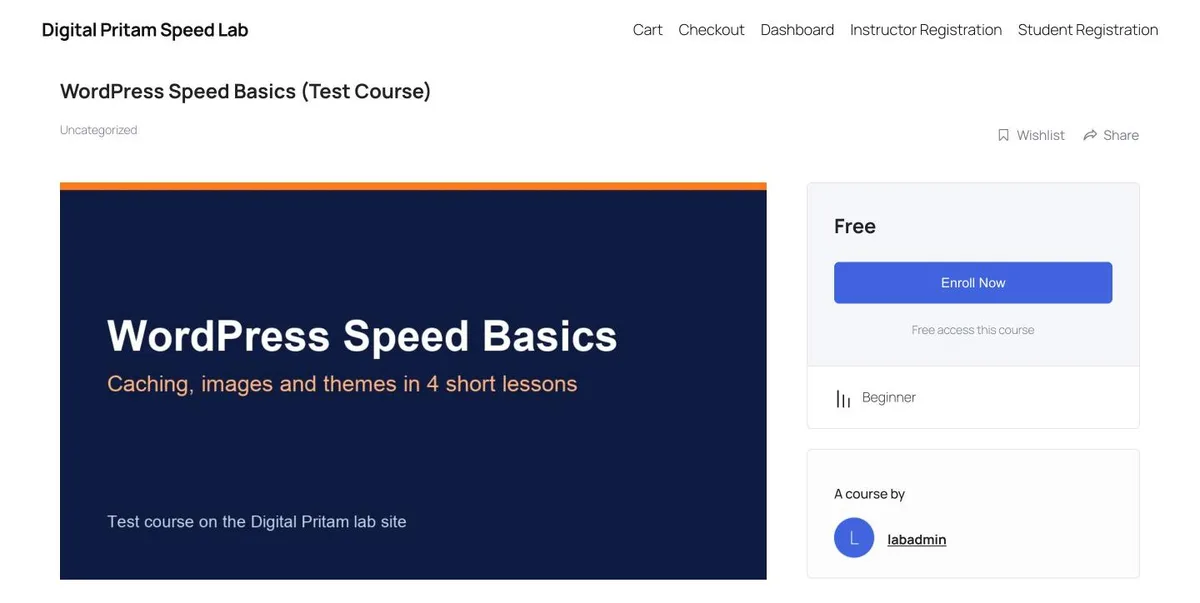
Built a free course
2 topics, 4 lessons and a quiz, with level, duration and what students will learn.
Measured the result
Course page, course list and a normal blog post: every CSS and JS file plus HTML, gzipped, and PageSpeed on the course page.
Tutor LMS on a real site: the numbers
Measured 17 Oct 2026.
| What we measured | Result |
|---|---|
| Plugin size on disk | 34 MB |
| Database tables added | 20 |
| Pages it created | 5 (Cart, Checkout, Dashboard, Instructor and Student Registration) |
| Course page weight (gzipped) | 334.6 KB in 25 files |
| Tutor’s own files on that page | 9 files, 169.2 KB |
| Also loaded on course pages | React, Moment.js, jQuery and jQuery UI |
| Weight on a normal blog post | 19.8 KB, 3 files: nothing added |
| Course page PageSpeed | 97 mobile ↗, 99 desktop |

Tutor LMS free vs Pro
Free is enough if
- You sell or give away a few courses
- Lessons, quizzes and the student dashboard cover your needs
- You want to test before paying
Get Pro if
- You need assignments or interactive quizzes
- You want the content bank to reuse lessons
- You want pro themes, AI Studio or priority support
Tutor LMS price
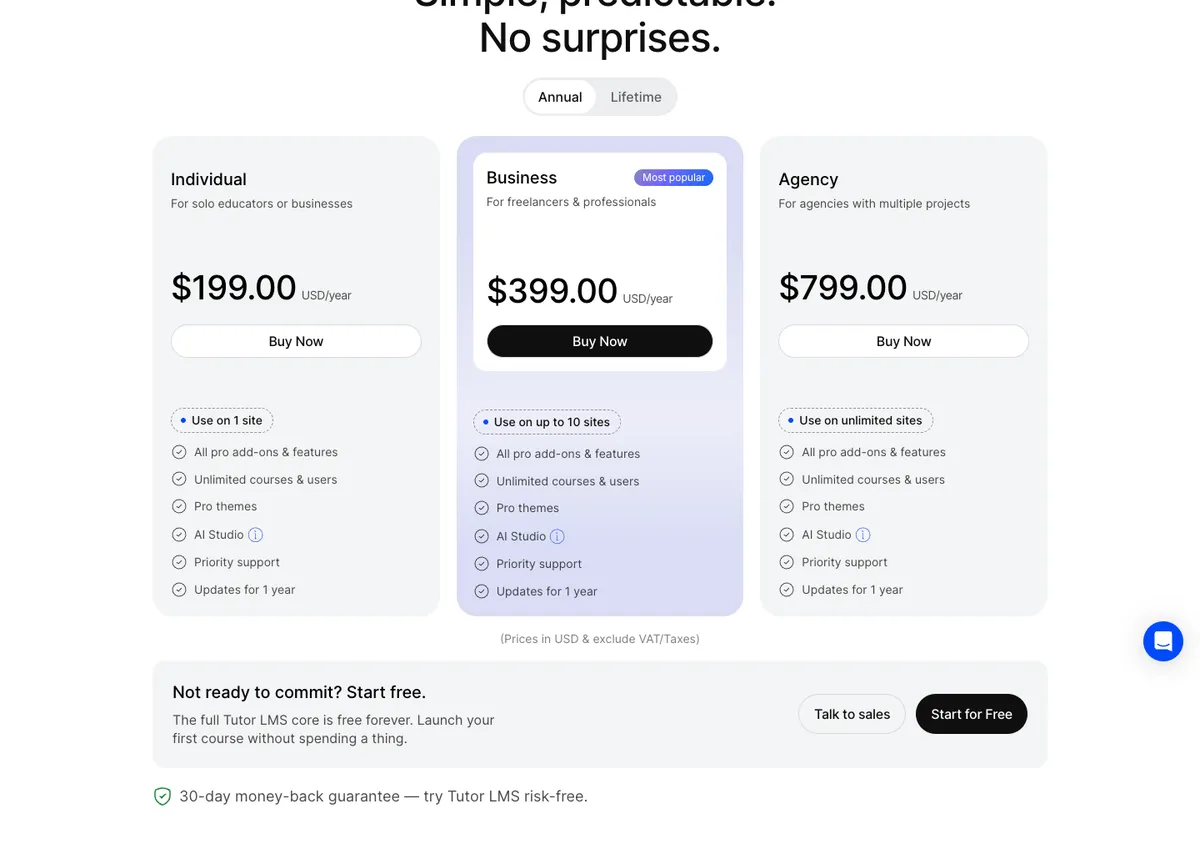
From tutorlms.com/pricing, 17 Oct 2026. Add 18% GST and your card’s forex fee in India.
| Plan | Sites | Yearly | Lifetime |
|---|---|---|---|
| Free | Unlimited | $0 | – |
| Individual | 1 | $199/yr | $499 |
| Business | Up to 10 | $399/yr | $999 |
| Agency | Unlimited | $799/yr | $1,999 |
How to set up Tutor LMS (free) and start a course
Every screenshot is from a fresh install of Tutor LMS 4.1.3 on our lab site, 23 Oct 2026.
Tap any screenshot to open it full size. Paid courses need a payment add-on or Tutor LMS Pro; we tested the free version only.
- 1
Install the plugin
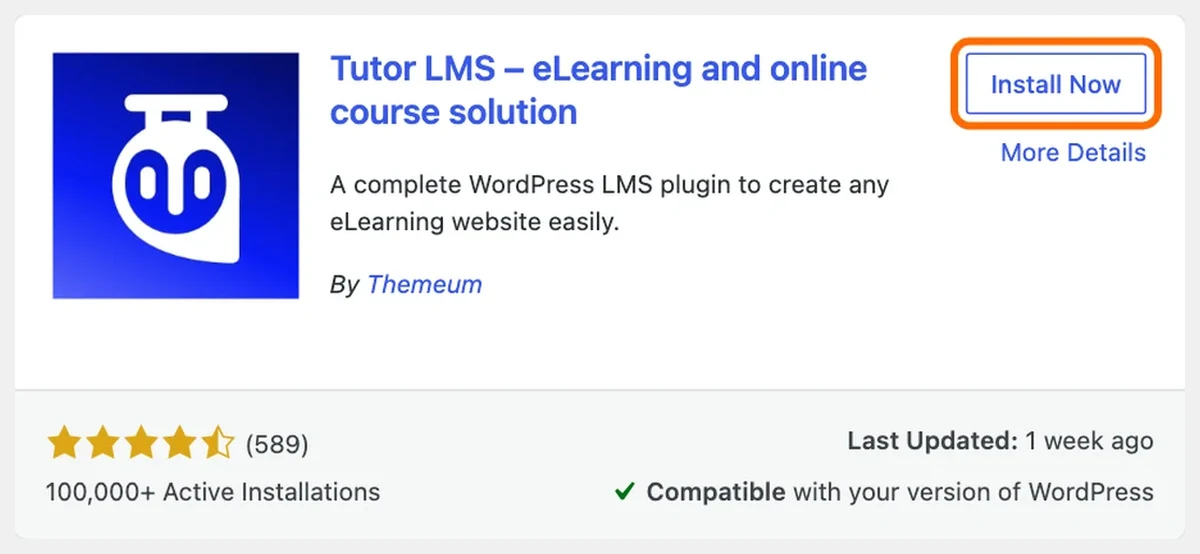
Plugins, Add New, search “Tutor LMS” and click Install Now.
Tutor LMS in the WordPress plugin directory - 2
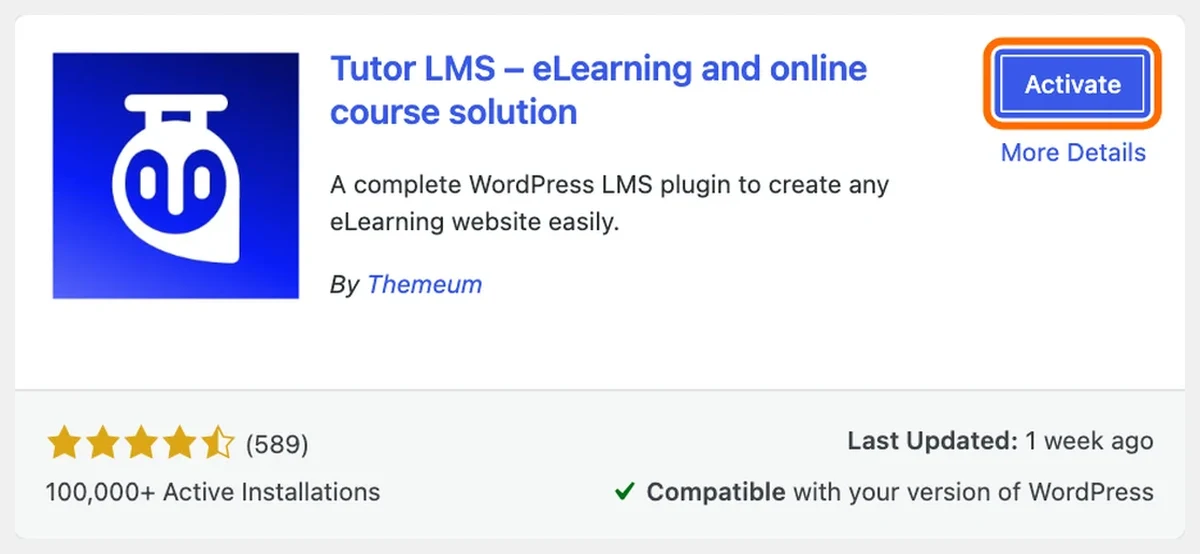
Activate it
Click Activate. Tutor opens its setup wizard.
Activate Tutor LMS - 3
Start the setup wizard
The welcome screen explains what Tutor does. Click Next.

Tutor LMS setup wizard welcome screen - 4
Pick a look and sample courses
Choose Modern or Kids mode and a light, dark or auto theme. Leave sample courses ticked to see a full course straight away.

Tutor LMS choose a look for your learners - 5
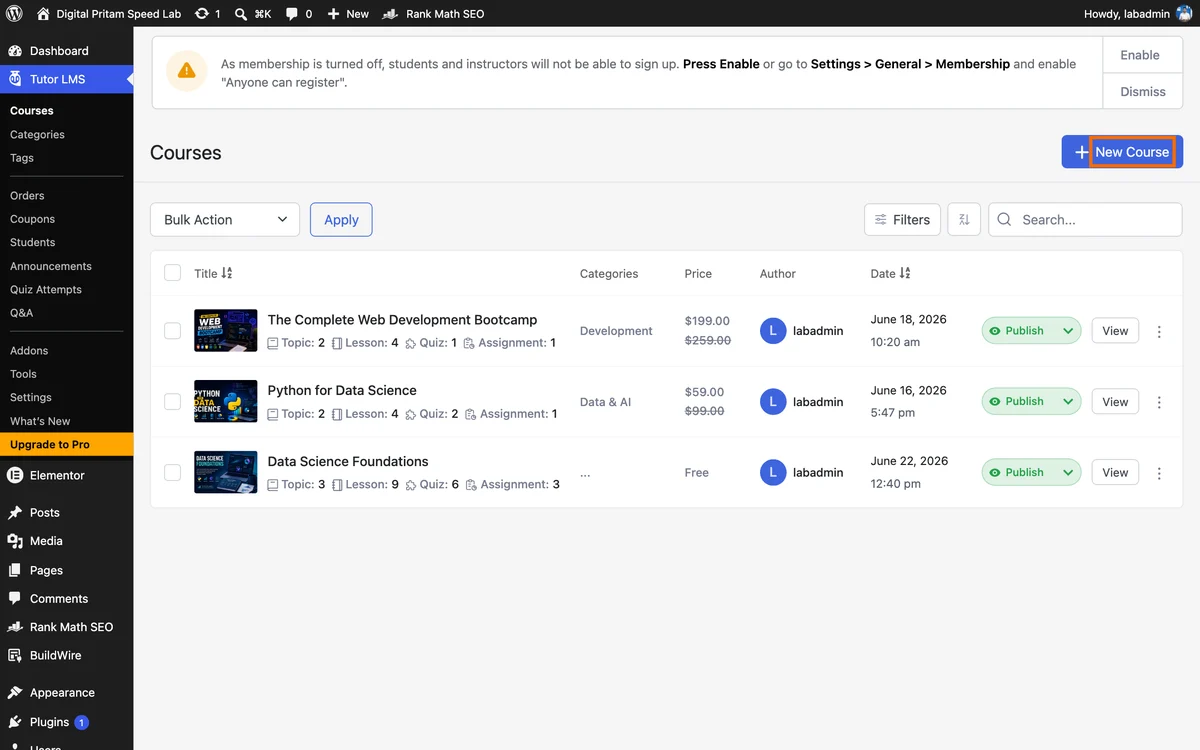
Open your courses
Tutor LMS, Courses lists your courses, with three sample courses loaded. Click New Course.
Tutor LMS courses list with sample courses - 6
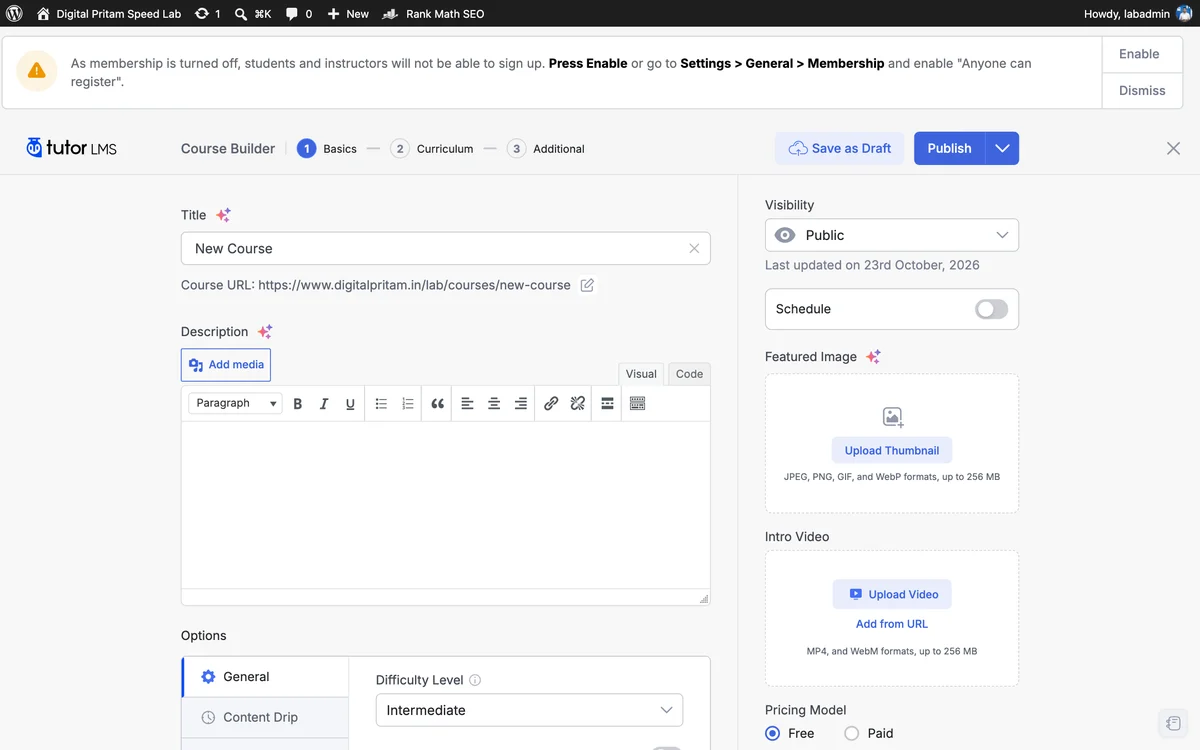
Fill in the basics
The course builder asks for a title, description, featured image, video, difficulty and price (free in Tutor LMS free).
Tutor LMS course builder basics - 7
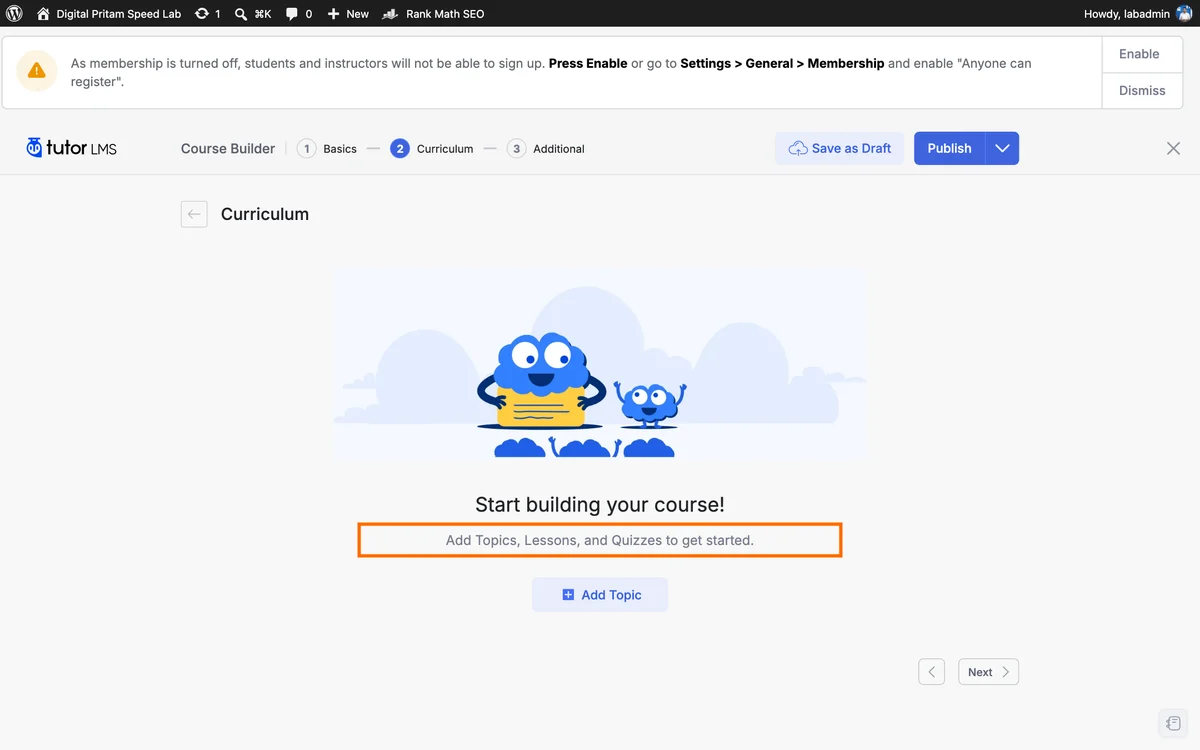
Build the curriculum
On step 2, Curriculum, add topics, then lessons and quizzes inside each topic.
Tutor LMS course builder curriculum step - 8
Check the settings
Tutor LMS, Settings sets the dashboard page, monetisation, design and permissions.
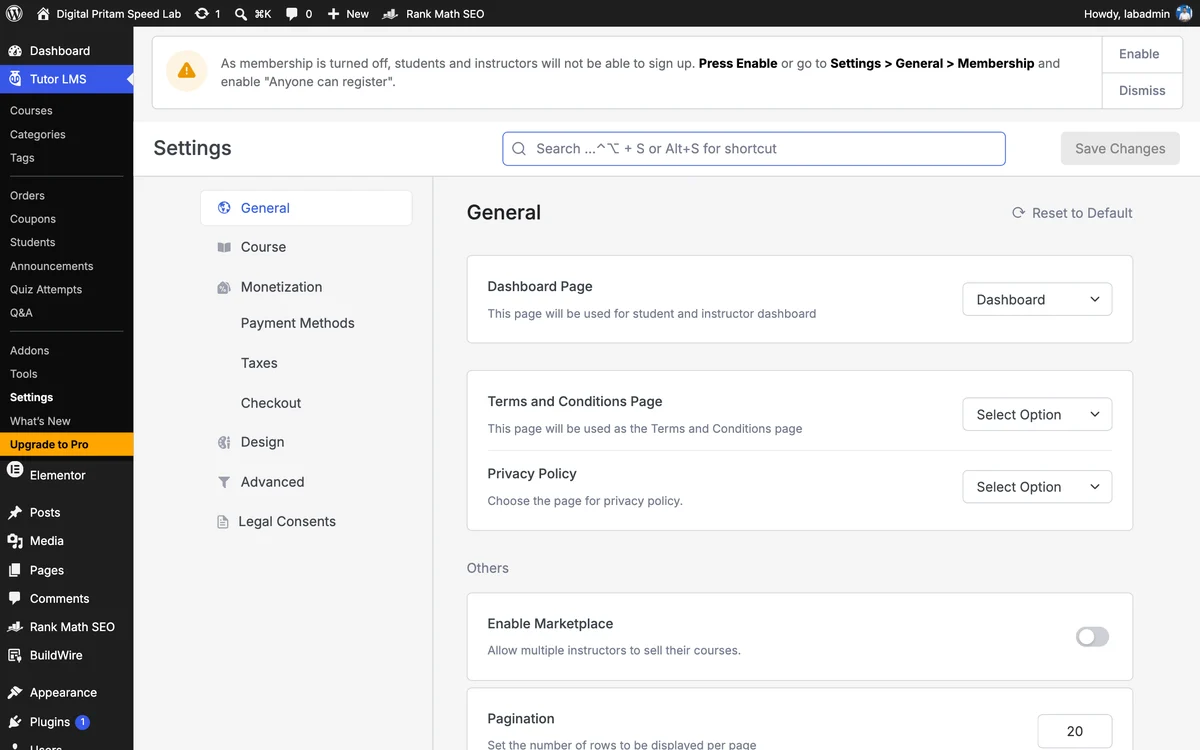
Tutor LMS settings screen - 9
See the course page
A sample course on our lab site: enrol button, level, materials and course content.

Tutor LMS course page on our lab site
Pick a free checklist. Get the best deals too.
Plus an email when each big hosting, WordPress and AI tool sale opens, with the price checked by us.
Sent to your inbox instantly. Unsubscribe in one click. Privacy policy
Tutor LMS review: FAQ
Is Tutor LMS free?
Yes. The free plugin on WordPress.org includes the course builder, lessons, quizzes, a student dashboard and its own cart and checkout pages. We built a free course with it on our lab site. Pro adds features such as assignments, interactive quizzes and the content bank.
Tutor LMS free vs Pro: what is the difference?
In the free course builder we tested, Interactive Quiz, Assignment and Content Bank carry a Pro badge. Pro also adds pro themes, AI Studio and priority support. Pro starts at $199 a year for one site.
How much is Tutor LMS Pro?
Yearly: $199 for 1 site, $399 for up to 10 sites, $799 for unlimited sites. Lifetime: $499, $999 and $1,999. There is a 30-day money-back guarantee.
Does Tutor LMS slow down WordPress?
Not on normal pages: our blog post stayed at 19.8 KB with nothing added. Course pages are heavy at 334.6 KB across 25 files, but still scored 97 on mobile PageSpeed because the scripts do not block rendering.
Tutor LMS vs LearnDash: which should I choose?
Tutor LMS if you want to start free and pay less ($199 against $399 a year). LearnDash if you need its long track record with groups and reporting. See our LMS comparison.
Did you use Tutor LMS Pro?
No. This review covers the free version 4.1.3, tested on our lab site on 17 Oct 2026. Pro features and prices come from Tutor LMS’s own pages.
Methodology
How this page was built, so you can check it.
| Detail | |
|---|---|
| Date | 17 Oct 2026 |
| Environment | Clean WordPress 7.1.3 with Twenty Twenty-Five on our Hostinger LiteSpeed server (digitalpritam.in/lab/), Tutor LMS only |
| Versions | Tutor LMS 4.1.3 (free) |
| Procedure | Built a free course with 2 topics, 4 lessons and a quiz, then measured the course page, the course list and a normal post, and ran PageSpeed Insights on the course page |
| Measured | Files and gzipped size per page; database tables and pages added on install |
| Limits | Free version only; no payments, students or video were tested |
About this page
Pritam Sonone
Founder of Digital Pritam. WordPress developer and designer, WordCamp Kolhapur 2025 speaker. Builds WordPress sites for clients.
How we checked
- Tested Tutor LMS 4.1.3 free on our lab site (digitalpritam.in/lab/) on Hostinger, 17 Oct 2026
- Weight measured on the course page, course list and a normal post; PageSpeed run on the course page
- Pro features and prices from tutorlms.com; we did not test Pro
Sources: Tutor LMS pricing · Tutor LMS on WordPress.org · PageSpeed report
Related guides
 Best WordPress LMS pluginTutor LMS, LearnDash, LifterLMS, MemberPress
 Best WordPress hosting in India14 hosts compared in rupees
 LiteSpeed Cache vs WP RocketSpeed Lab: tested on Hostinger
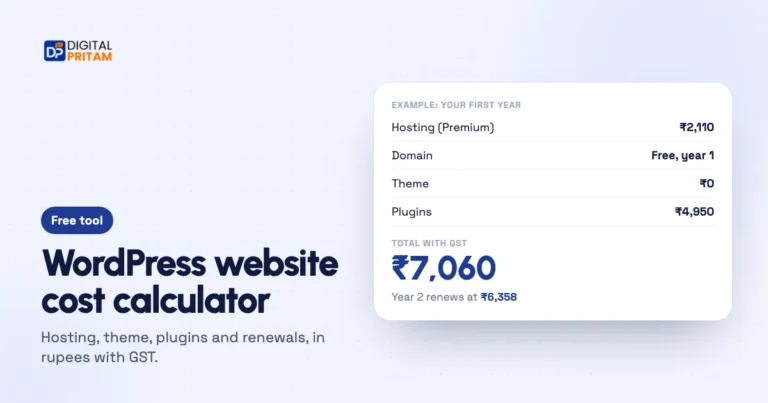 WordPress cost calculatorYour real budget in rupees
 GST on WordPress pluginsWho pays 18% and how reverse charge works
 How we test dealsOur price checks, labels and corrections
Affiliate links: we may earn a commission at no extra cost to you. It never changes our verdicts.