









YouTube thumbnail download in a few seconds: paste any video link to see its thumbnail in every size, up to full HD 1280 × 720, and save the one you need. Free, no sign-up, works on mobile.
YouTube Thumbnail Downloader
Get every thumbnail size of any video, up to full HD.
Free tool by Digital Pritam. No sign-up, nothing stored.
- Free, no sign-up
- Works on phone and computer
- Built by Digital Pritam
How to download a YouTube thumbnail
- Copy the video link. Normal videos, Shorts, live streams and youtu.be links all work.
- Paste it and click Get thumbnails.
- Pick a size and save it. Full HD is the sharpest; smaller sizes load faster for previews.
Download a YouTube thumbnail on mobile
- In the YouTube app, tap Share under the video, then Copy link.
- Open this page in your phone browser and paste the link in the box above.
- Tap Get thumbnails, then press and hold the size you want and choose Download image. No app needed.
Thumbnail sizes you get
| Size | Pixels | Available for |
|---|---|---|
| Full HD | 1280 × 720 | Only when the video has an HD thumbnail |
| Standard | 640 × 480 | Most videos |
| High | 480 × 360 | All videos |
| Medium | 320 × 180 | All videos |
| Small | 120 × 90 | All videos |
If the Full HD version is missing, the video was uploaded without one. Use the Standard or High size instead.
Can you reuse a downloaded thumbnail?
A thumbnail belongs to the creator who made it, like the video itself. It is fine to save one for reference, for a review that discusses the video, or to back up your own channel’s thumbnails. Do not reupload someone else’s thumbnail as your own or use it in ads without the creator’s permission.
What people use it for
- Backing up your own thumbnails when the original design file is lost.
- Studying competitors: save the thumbnails of top videos in your niche and compare colours, faces and text.
- Blog posts and reviews that discuss a specific video, with a link back to it.
- Presentations and reports about a channel’s growth.
Frequently Asked Questions
Is the thumbnail downloader free?
Yes. It is free, needs no sign-up, and adds no watermark.
Why is the Full HD thumbnail not available?
Some videos were uploaded without an HD thumbnail. YouTube then only stores the smaller sizes, which the tool still shows.
Does it work for Shorts and live streams?
Yes. Paste a Shorts link, a live stream link or a normal video link.
What is the right size for a YouTube thumbnail?
YouTube recommends 1280 × 720 pixels, a 16:9 shape. That matches the Full HD size here.
Can I download a YouTube thumbnail in 4K?
No. YouTube does not store 4K thumbnails. The largest size is full HD, 1280 × 720, and that is what this tool gives you when the video has one. Sites that promise 4K are only upscaling that image.
How do I download a YouTube thumbnail by link?
Copy the video link from the address bar or the Share button, paste it in the box at the top of this page and click Get thumbnails. youtube.com, youtu.be, Shorts and live links all work.
Can I download several thumbnails at once?
Not yet. Paste one link at a time; each result appears in a second.
More free tools
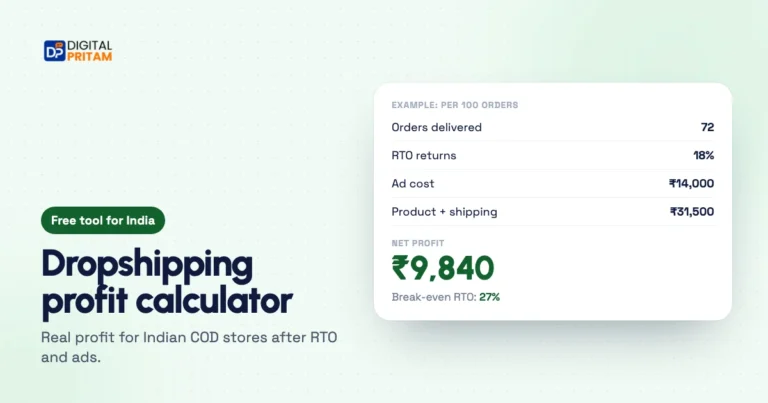 Dropshipping profit calculatorReal profit for Indian COD stores after cancellations, RTO and ad cost, with your break-even RTO.Work out profit
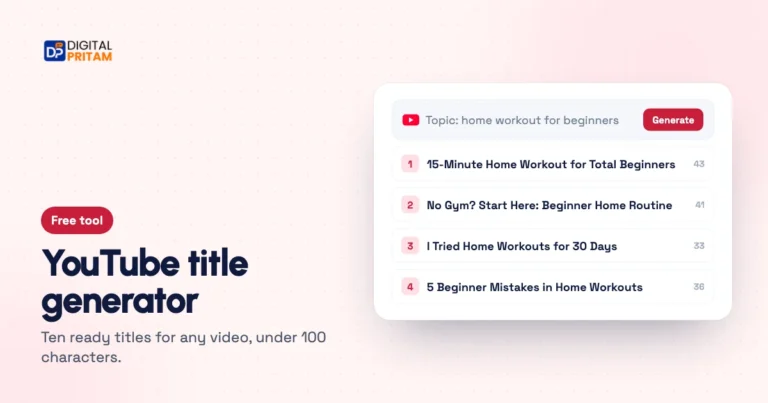 YouTube title generatorTen ready title options for any video topic, each under YouTube's 100-character limit.Generate titles
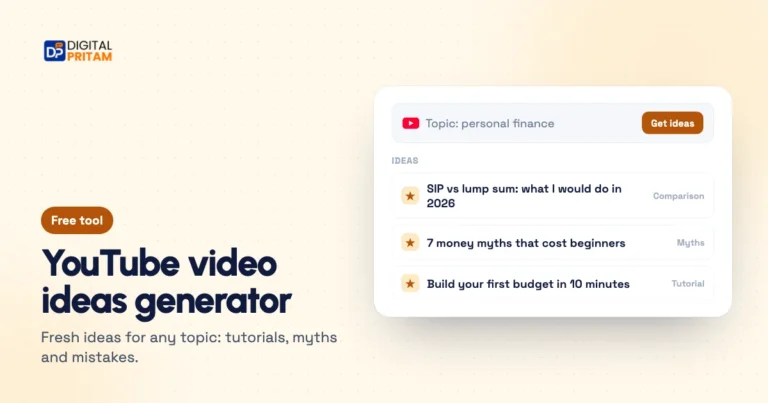 YouTube video ideas generatorFresh video ideas for a topic: tutorials, comparisons, myths and beginner mistakes.Get ideas