









Abandoned WordPress plugin checker: which of your plugins has nobody maintained in years?
Enter your site, or paste your plugin list. We find the plugins, ask WordPress.org when each one was last updated and tested, and grade every one: abandoned, stale, untested or maintained.
Reads public pages and the WordPress.org directory only. Nothing is stored. What we read
- About 15 seconds
- Up to 40 plugins
- Fix for every finding
One email a week: the plugins going quiet this month, a maintained replacement for each, and the security basics we check on every WordPress Care Plan site. Free, unsubscribe any time.
Free. Unsubscribe any time. Privacy policy
Why abandoned plugins matter
A plugin that stopped getting releases still runs on your site every day. When a hole is found in it, there is nobody to patch it, and the exploit is public. Year after year, vulnerable plugins, not WordPress core, are where the large majority of compromised sites were entered.
An old plugin can look fine on the front end for years. The problems are the ones you cannot see: a PHP 8 deprecation that will break on the next hosting upgrade, a nonce check that never existed, a file upload that trusts the extension. The last release date is the honest signal.
How to fix it
Search the directory for the same feature, sort by last updated, and pick one with a release this year and real support activity. Deactivate the old plugin, test the site on a staging copy, then delete it. If the feature is gone from your site anyway, just delete. Back up first: our security and backup guide covers the order.
How to find a maintained alternative (three checks)
On the plugin’s WordPress.org page, look at “Last updated” and “Tested up to”. A release in the last six months and a tested-up-to within one WordPress version is healthy.
Open the Support tab. An author who answers threads will also ship a fix when a vulnerability is reported. Many open threads and no replies is the same signal as no releases.
Over 10,000 active installs means other sites would notice a break before you do. Read the one-star reviews from the last year; they show what is actually failing.
How we detect plugins from outside (and what we cannot see)
Every file a plugin loads on a page sits under /wp-content/plugins/<slug>/, so we read the home page and two inner pages and collect those folder names. We also read /wp-json/: plugins such as WooCommerce, Elementor, Yoast and Rank Math register a REST namespace there even when they load nothing on the front end.
What stays invisible: admin-only plugins (backups, SEO tools without front-end output, security scanners), plugins whose assets are merged and renamed by an optimiser, and anything on a page we did not read. That is why the result says “may be incomplete” and why pasting your list from Plugins > Installed is the only complete check. Premium plugins are not in the directory, so they show as unknown either way.
What we read
Three public pages, the REST index, and the WordPress.org plugin directory.
Show the sources and the grading rules (technical)
/wp-content/plugins// Plugin files on your pagesEvery stylesheet, script and image a plugin loads carries its folder name. We read the home page and two inner pages.
/wp-json/ namespacesREST routesWooCommerce, Elementor, Yoast, Rank Math, Jetpack, Contact Form 7 and about 60 others register a namespace we can map to a slug.
api.wordpress.org/plugins/infoThe plugin directoryLast update date, tested-up-to version, active installs, rating and support threads for every slug found.
api.wordpress.org/core/version-checkCurrent WordPressUsed to work out how many releases behind a plugin’s tested-up-to tag is.
Security fixes stop when releases stop. Replace or remove.
The band where abandonment starts. Check the support forum; plan a replacement.
Updated, but the author has not confirmed it on recent WordPress.
And tested on recent WordPress. Nothing to do.
Premium, closed or removed. Check the vendor changelog yourself.
Related guides
 WordPress security and backupWhat we actually run
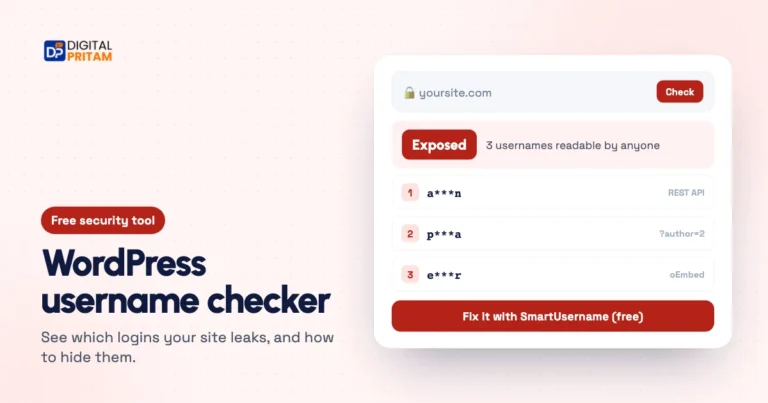 WordPress username checkerSee which logins your site leaks
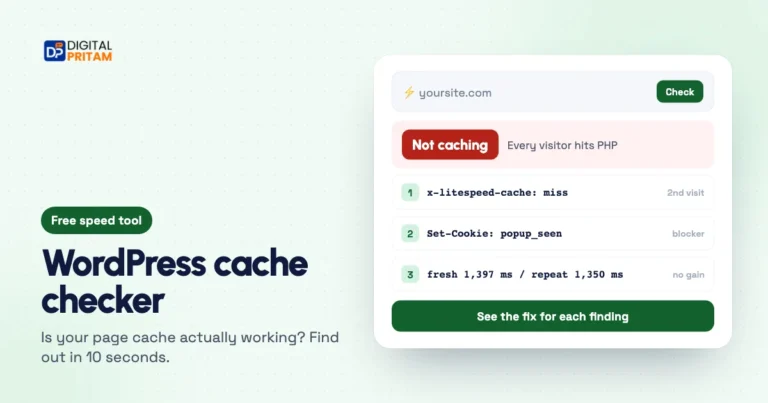 WordPress cache checkerIs your page cache really working?
 How we test dealsOur price checks, labels and corrections
 WordPress deals and coupon codesEvery verified deal in one place
 Black Friday 2026 deals hubEvery verified tool and hosting deal
Affiliate disclosure: some links on this page are affiliate links. If you buy through them, Digital Pritam may earn a commission at no extra cost to you. We only list deals we have checked on the brand’s own website, and commissions never change our picks. Prices can change at any time; always confirm the final price at checkout. Read our full affiliate disclosure.