









XSLT Sitemap Checker: Is Your Sitemap Safe?
Chrome is removing XSLT. See if your sitemap is affected.
Address filled in from your link. Press Check sitemap to run it.
Free. Reads public files only. Nothing is stored. Read the guide
How it works
- 1Enter your site
A domain or a sitemap address.
- 2We read two files
Your robots.txt and your sitemap.
- 3Get a plain answer
Valid or not, and whether it uses XSLT.
What changes in Chrome
The same file, two views.
| Sitemap | Last modified |
|---|---|
| post-sitemap.xml | 2026-11-15 |
| page-sitemap.xml | 2026-11-16 |
What each plugin has said
Read at the source on 16 Nov 2026.
- Yoast SEOCSS fix finished, planned for 28.9. yoast.com already serves CSS.Support reply
- Rank MathSays search is unaffected. No replacement announced yet.Support reply
- WordPress coreA commit removes the stylesheet. Release reported as 7.2, not confirmed by us.Core commit
- All in One SEONot confirmed: no official statement found.Changelog
- SEOPressNot confirmed: no official statement found.Changelog
- XML Sitemap Generator for GoogleNot confirmed: no official statement found.Plugin page
XSLT sitemap checker: FAQ
Will the Chrome XSLT change hurt my Google rankings?
It should not. The stylesheet only changes how a person sees the sitemap, and Google’s sitemap guide does not mention stylesheets. This tool cannot see your indexing status, so check the Sitemaps report in Search Console.
Why does my sitemap show a red warning in Chrome?
Your sitemap starts with a line that links an XSLT stylesheet. Chrome shows the banner on every XML file with that line. It does not mean your sitemap is broken.
When does Chrome remove XSLT?
Chrome’s own page says Chrome 158, planned for 17 November 2026. The origin trial and enterprise policy end with Chrome 176, planned for 17 August 2027. Dates can move.
What will people see afterwards?
Plain XML code with a notice, not the neat table. Search engines get the same XML as before.
Do I need to remove the stylesheet or switch plugins?
No. Leave it, or wait for your plugin’s update. Do not turn off your sitemap.
Is this only Chrome?
No. Chrome’s page says Firefox and WebKit (Safari) also plan to remove XSLT. We have not checked each Chromium browser’s schedule.
How can I check by hand?
Open yoursite.com/sitemap_index.xml, choose View page source and look at the second line. If it starts with xml-stylesheet and type=”text/xsl”, the sitemap uses XSLT.
What are the sitemap size limits?
One sitemap file can list up to 50,000 URLs and be up to 50 MB uncompressed. Both numbers come from the sitemap protocol at sitemaps.org (page last updated 21 November 2016) and match Google’s sitemap guide. Larger sites split their URLs across several files in a sitemap index.
Does this check change or store anything?
No. It downloads robots.txt and your sitemap like any visitor and stores only an anonymous count of checks.
About this page

- WordPress developer and designer, builds sites for clients
- WordCamp Asia Communication Co-Lead
- 14K+ subscribers on the DigitalPritam YouTube channel
How we checked
Updated 16 Nov 2026Related guides
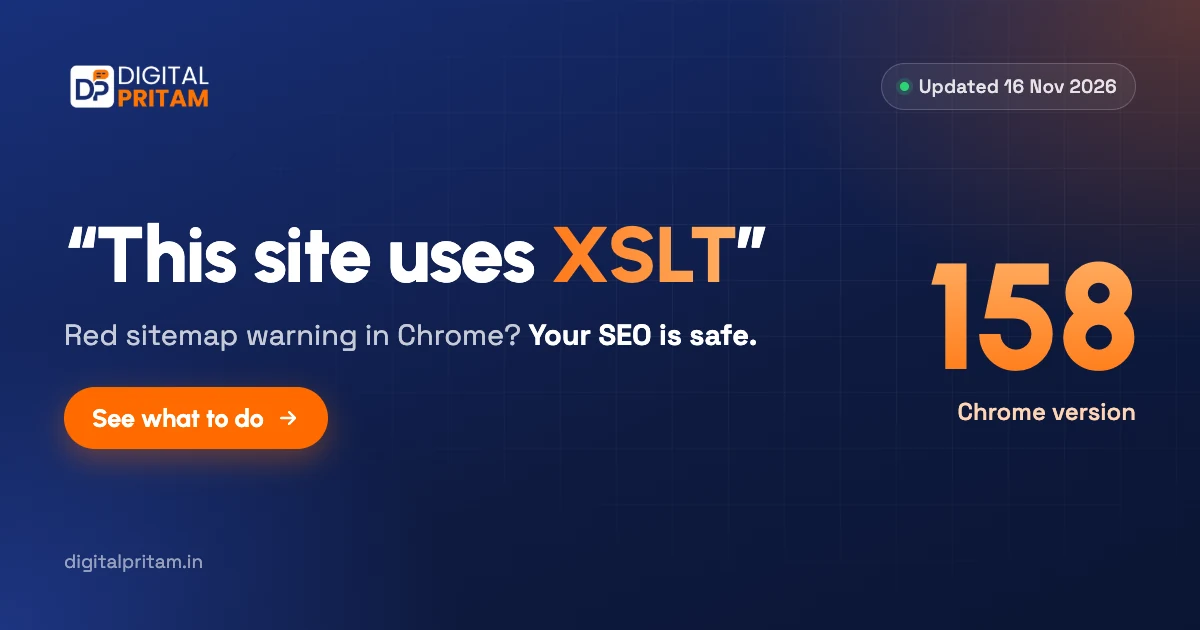 “This site uses XSLT” sitemap warningWhat it means and why your SEO is safe
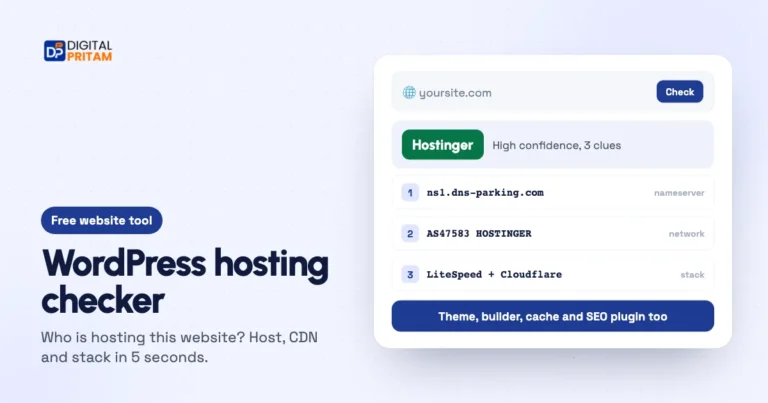 Hosting checker (what is my host?)Who is hosting this website? Host, CDN and stack in 5 seconds.
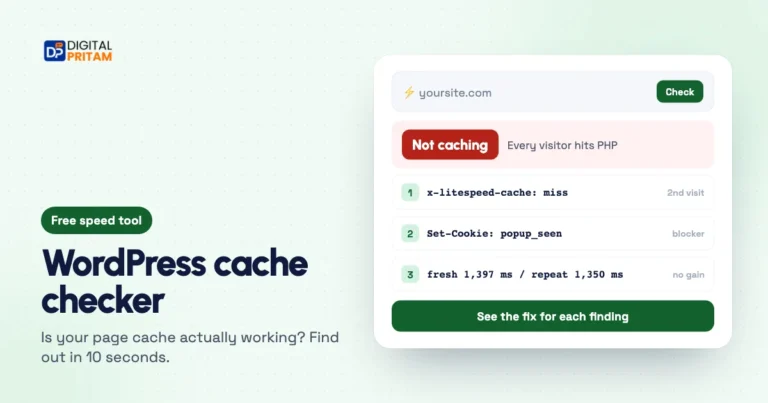 WordPress cache checkerIs your page cache really working?
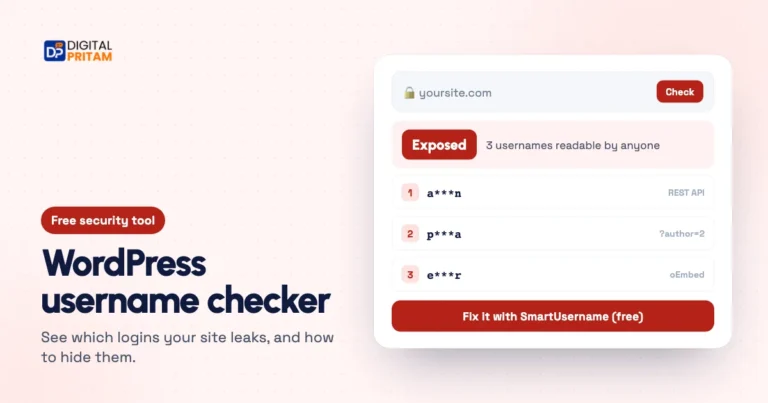 WordPress username checkerSee which logins your site leaks
 Rank Math review 20265 years on our own sites, with real data
 How we test dealsOur price checks, labels and corrections
Affiliate links: we may earn a commission at no extra cost to you. It never changes our verdicts.