








Website hosting checker: who hosts this website?
Find out who is hosting any website. Enter a site. We read its DNS, network and response headers and name the hosting company, the CDN, the server software, the mail provider and the WordPress theme, builder and plugins we can see.
Reads public DNS and one public page. Nothing is stored. How we tell
- About 5 seconds
- Host, CDN, mail, theme
- Evidence for every guess
The 12 steps we run on every new Hostinger site, from choosing the plan to a fast, backed-up WordPress install. Free, one email a week after that, unsubscribe any time.
Free. Unsubscribe any time. Privacy policy
Why it matters who hosts a site
Before you buy hosting, check the sites you admire in your niche. If three fast Indian blogs sit on the same host, that is a better signal than any sponsored list. If a slow site sits on a host you are considering, that is worth knowing too.
Inherited a site from a developer or an agency? This tells you where it lives, where the DNS is managed, who handles the email and which cache, SEO and builder plugins load on the front end, without logging in anywhere.
How we tell
Four public signals, read in order of reliability, plus the home page HTML.
Show the records and headers we look for (technical)
NS ns1.dns-parking.comNameserversHostinger, SiteGround, Bluehost, GoDaddy, WP Engine and WordPress.com all hand out their own nameservers. A match here is near certain.
x-hcdn, x-kinsta-cache, x-wpe-*, x-acHost headersManaged hosts sign every response. Hostinger CDN, Kinsta, WP Engine, WordPress.com, Flywheel, Rocket.net and WPX each have one.
AS47583 HOSTINGERNetwork (ASN)Every public address belongs to a network. We ask the free Team Cymru DNS service which one; a cloud name (DigitalOcean, AWS) means a VPS or a host like Cloudways on top.
PTR srv123.hstgr.cloudReverse DNSThe server’s own name often carries the host’s brand. Weakest signal, because resellers rent these servers too.
server: cloudflareCloudflare in frontThe address, network and reverse DNS belong to Cloudflare, so the host has to be read from nameservers, cookies and other headers.
/wp-content/themes/kadence/WordPress stackTheme folder, child theme, Elementor or another builder, the cache plugin, the SEO plugin, WooCommerce and a generator tag with the version.
Hosts we recognise
Managed WordPress hosts, Indian shared hosts and the big clouds.
 Hostinger
 Cloudways
 Kinsta
 SiteGround
 Bluehost
 GoDaddy
 MilesWeb
 WP Engine
 WordPress.com
 HostArmada
 FastComet
 WPX
WPX Hosting.com (A2)
 Namecheap EasyWP
 Rocket.net
 Pressable
 Flywheel
 HostGator
 DreamHost
 Hetzner
 OVHcloud
 AWS
AWS Google Cloud
 DigitalOcean
 Linode (Akamai)
 Vultr
Vultr Microsoft Azure
 Cloudflare (proxy)
Hosting checker: FAQ
How do I find out who hosts a website?
Enter the address above. We read its nameservers, network owner (ASN), reverse DNS and response headers, then name the host with a confidence level and the evidence. By hand, an NS lookup plus the site’s response headers gets you most of the way.
Why does it say Cloudflare?
Cloudflare sits in front of many sites, so the address you see belongs to Cloudflare. We then rely on the nameservers and host headers; if those are hidden too, the real host cannot be seen from outside.
Is the result always right?
No. High confidence means a host-specific header or nameserver matched. Medium or low means only the network matched, for example a cloud that many managed hosts run on.
Does the check change anything on the site?
No. It reads public DNS and one public page, tries no login and stores nothing.
Can it see the WordPress theme and plugins?
Only what loads on the home page: the theme, page builder, cache and SEO plugins whose files or HTML comments are public.
Related guides
 Best WordPress hosting in India8 hosts compared in rupees
 Hostinger review 2026Tested on our own sites
 Cloudways reviewManaged cloud with Indian data centres
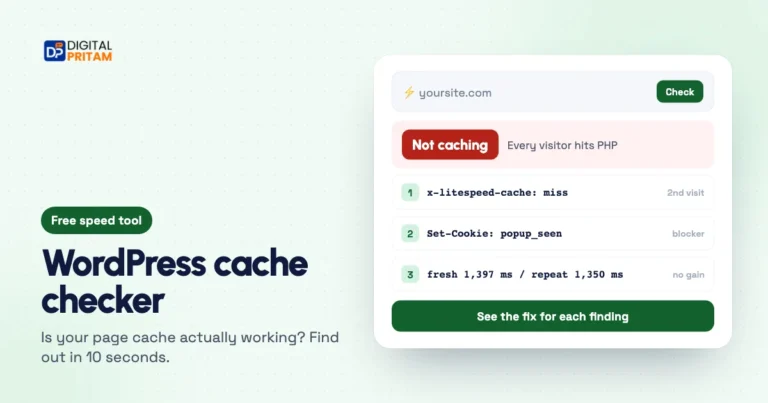 WordPress cache checkerIs your page cache really working?
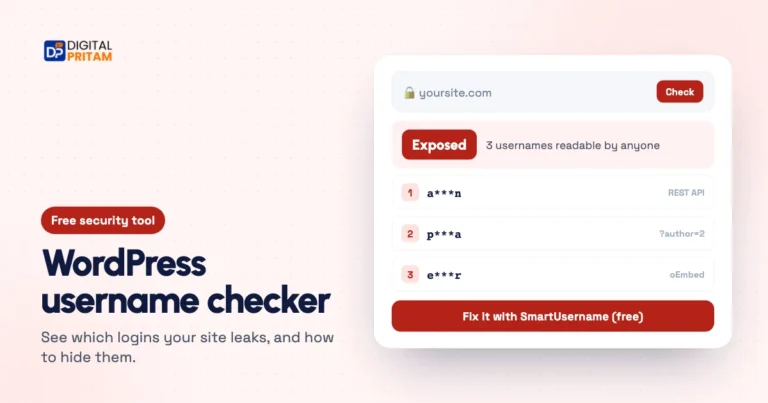 WordPress username checkerSee which logins your site leaks
 How we test dealsOur price checks, labels and corrections
Affiliate links: we may earn a commission at no extra cost to you. It never changes our verdicts.